Why a Progress Report Should Live on the Task It Describes
A progress report is not a status, not a chat message, and not an email. It is a dated account of where a piece of work stood, and it is only useful later if it stayed where the work was.

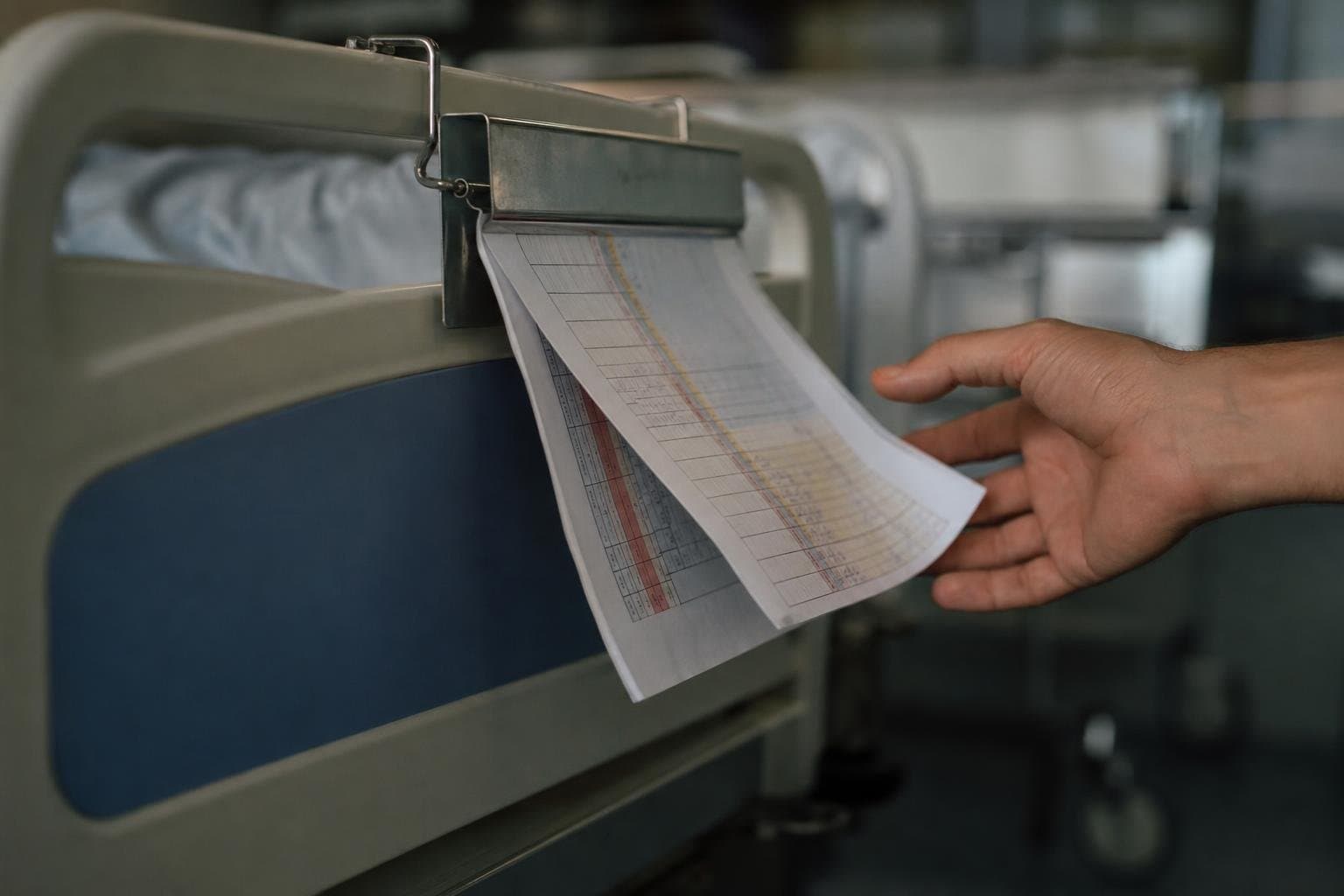
Three weeks into a redesign, a client asks a project manager a plain question: where are we on the checkout flow. The PM knows the answer exists. It was written down, somewhere, by someone, the week before last. It takes nine minutes to find it, because it is sitting in an email thread titled "Re: Re: quick update," sent to four people, two of whom have since left the account.
The information wasn't lost. It was just filed under the wrong thing. It was filed under a conversation, when it should have been filed under a task.
A progress report is not a status, and not a message
These three get flattened into one word in most teams, and the flattening is the whole problem. A status is a single word attached to a task, To Do, In Progress, Done, true at this instant and useless once it changes. A chat message is a conversation, meant to be read in order, by people who were there for the earlier messages. A progress report is neither. It is a dated, self-contained account of where a specific piece of work stood, written so that someone with none of the surrounding context can read it cold and understand the state of things.
Self-contained is the operative word. A status can't carry nuance, it can't say the backend is done but the client hasn't reviewed the copy yet. A chat message can carry nuance, but only if you also have the forty messages before it, half of which are someone asking whether anyone's seen the Figma link. A progress report is built to stand alone. Which means it needs an address that stands alone with it.
Where the note goes, the memory goes
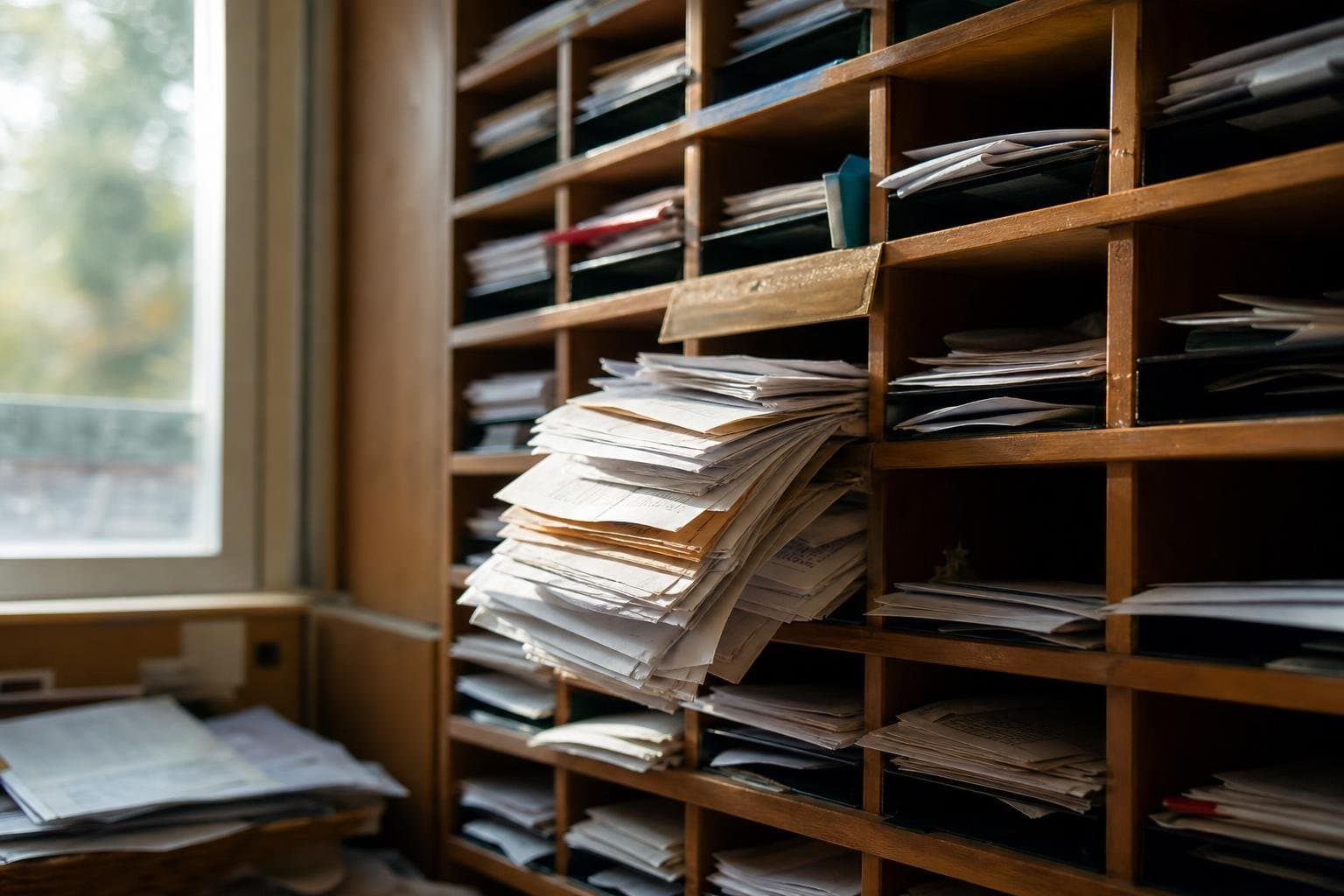
Put the progress note in email and you've attached it to an inbox, not to the work. Inboxes belong to people, and people leave, go on leave, change roles, or simply let a thread die under the next forty unrelated emails. Six weeks later nobody searches an inbox by task name; they search it by sender, or they don't search it at all, they just ask around and hope someone remembers.
Put it in chat and you've attached it to a timeline, not to the work either. A chat message is cheap to write and almost free to lose, it scrolls, it gets buried under the daily back-and-forth, and finding it again means scrolling a conversation that was never organised around the question you're now asking. Chat is excellent at carrying a discussion forward. It is a poor filing cabinet, because it was never built to be searched by the thing it was about. It was built to be read in the order it happened.
Put it in a status meeting and you've attached it to a calendar. The update exists for forty minutes, once a week, in the heads of whoever was in the room, and then it's gone until someone writes meeting notes, which is just the email problem again, one layer removed.
The task is the only address that survives
A task outlives the person who wrote the last update on it, the week it was written, and the meeting where it got mentioned. It's still there in six weeks, in six months, under its own name, in the project it belongs to. That's the one address a progress note can be filed under and still be findable later by anyone who opens the right task, not the right inbox, not the right person's memory, not the right week of a scrolling chat.
This is why, in Team and Tricks, a progress report sits on the task it describes. Every task can carry one, there's no separate reports section to check, no second place the update might also be, no decision about where today's note goes versus last week's. One task, one home for every account of its progress, in order, attached to the thing it's actually about. A manager or TAI can draft the report from what's already on the task, the checklist, the chat, the work done, but it's written into the task's own record, not somewhere adjacent to it.
The client's question six weeks from now, where are we on this, should have exactly one place to go looking. Not an inbox search, not a scroll, not a person. The task. If the report is sitting there, under its own date, written to stand on its own, the nine-minute search becomes a nine-second one. The note was never lost. It just had to live where the work lived, instead of wherever it happened to be written.