What TAI Is
TAI is the assistant built into Team and Tricks. It prepares the task, the checklist, the approval, on the real form, and a person decides whether it happens.


If you typed "TAI" into a search box, you probably want one sentence, not an architecture diagram. Here it is: TAI is the AI assistant built into Team and Tricks. It's not a separate chatbot you copy your work into and copy the answer back out of. It lives inside the product, on the same tasks, checklists and requests you already have, and it prepares real changes to them.
The word that matters is "prepares." TAI doesn't create the task. It prepares the task, fills in the title, the due date, the assignee, the project, and puts that in front of you on the actual form a person would have filled in by hand. Nothing exists until you press Apply change. If you don't like what it picked, you press Stop, or you edit the form first and then apply it. Either way, the thing that happens is the thing you saw.
The failure mode TAI is built against
Most AI-in-a-tool pitches assume the scary part is the AI being wrong. It isn't, not really. Being wrong is cheap when you can see it before it lands. The expensive failure mode is silent mutation: the system acts, and you find out afterward, from a Slack message or an angry client, that three due dates moved and nobody you'd trust chose them. That's not a bug report. That's a trust collapse, and it only has to happen once.
TAI treats "prepared but not applied" as its own first-class state, not a loading spinner on the way to the real thing. A prepared batch of five tasks sits there, fully formed, fully editable, until a person acts on it. That state has a name and a shape in the product. It isn't an implementation detail you're not supposed to notice, it's the point.
One scene, because the definition is boring without it
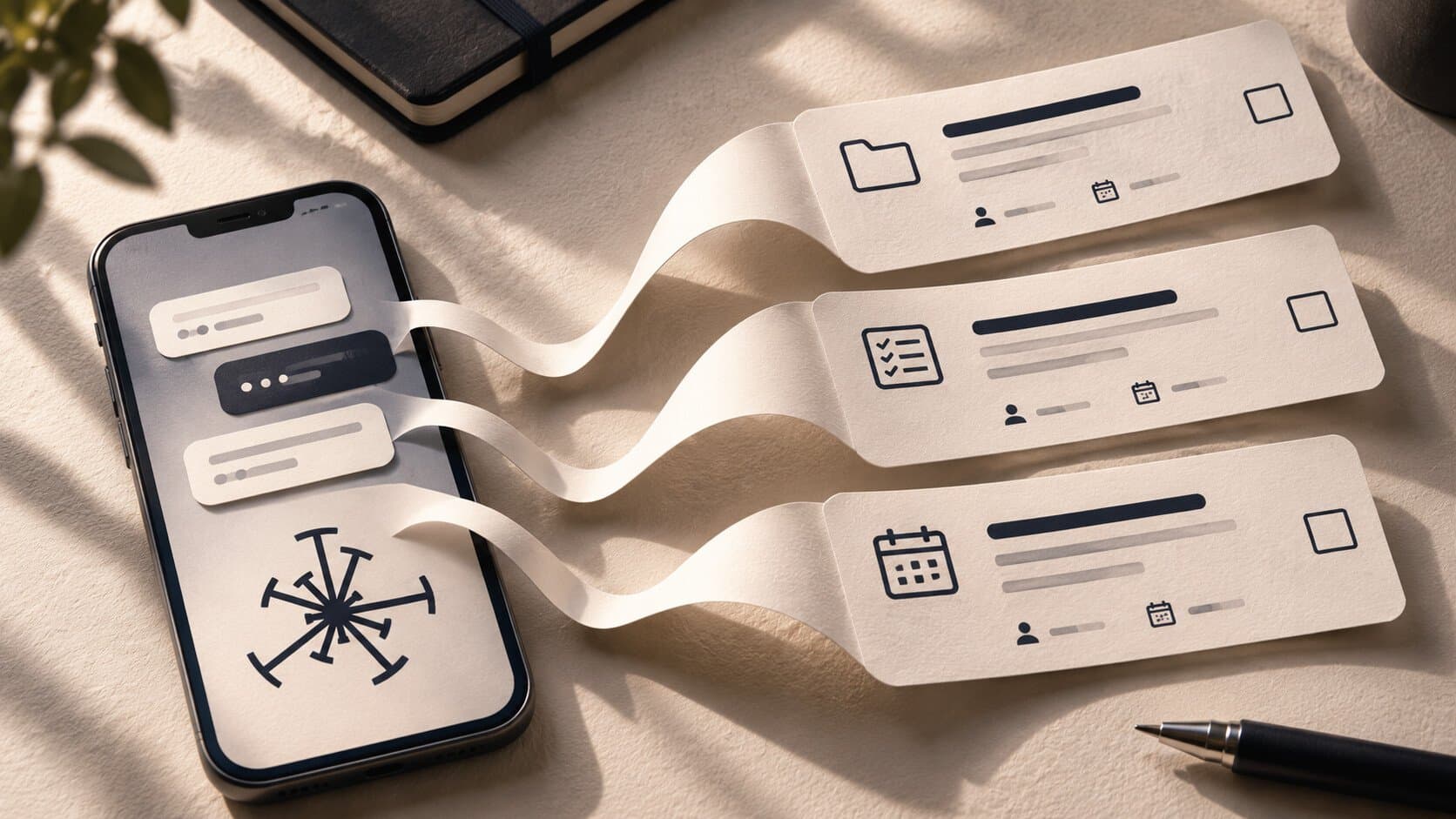
Say a client sends you a message: "Can we get the homepage copy by Thursday, the logo files by Monday, and a call to review next week?" You take a screenshot of it, same as you'd screenshot anything, and hand it to TAI.
TAI reads the image. It doesn't paraphrase it back at you as prose. It prepares three tasks, titles, due dates, the right project, each one sitting on a form, each field editable. Maybe it put the call on the wrong Tuesday. You fix the date on the form itself, the way you'd fix a typo in an email before sending it. Then you press Apply change, and three live tasks exist. Not before.
There's a one-minute product video if you'd rather see the prepare-and-confirm flow than read another paragraph about it.
Watch the TAI product video on YouTube
Nobody got notified while that was happening, by the way. A task stays a draft until it has a due date or a repeating schedule, screenshot-sourced or not. The team isn't pinged about something that might still be wrong on the form.
It runs as you, not as itself
The other thing worth saying plainly, because it's the part people assume is marketing until they check: TAI uses the same actions the buttons in the product use. There's no separate AI identity with its own access level, no AI-specific permission to turn on or worry about. When you ask it to reassign a task, it's making the same reassignment call a person with your role could make, checked against your role, before the form is even shown to you.
If you're a member and reassigning tasks isn't something a member can do, TAI tells you that, the same answer the button would give you if you clicked it yourself. It doesn't have a back door into admin actions because an admin happened to be the one who set it up. That's not a safety feature bolted on afterward. It's a consequence of TAI not being a second system with its own rules. It's the first system, acting on your behalf, with a confirm step in front of it.
What this means for a batch, not just one task
The same boundary holds at scale, which is the part people worry about once they've accepted the single-task case. Ask TAI to mark the first four steps of a launch checklist done and flag the DNS step as blocked, and it doesn't fire off five separate actions behind your back. It prepares one form listing every item and its new state, all together, all visible. You check the whole batch once, and you confirm it once. Twelve changes doesn't mean twelve separate approvals and it doesn't mean one blind trust-fall either. It means one form with twelve lines you can actually read.
So, plainly: TAI is the AI assistant in Team and Tricks. It reads what you give it, a screenshot, a message, a question typed into chat, and it prepares the corresponding change on the real form, using your permissions, inside the product you're already in. A person decides whether it happens. That's the whole definition. Everything else is detail.