You Don't Have to Move Everything In
The reason most teams never adopt a project tool isn't the tool. It's the imagined weekend of copying three years of history into it before they're allowed to start.

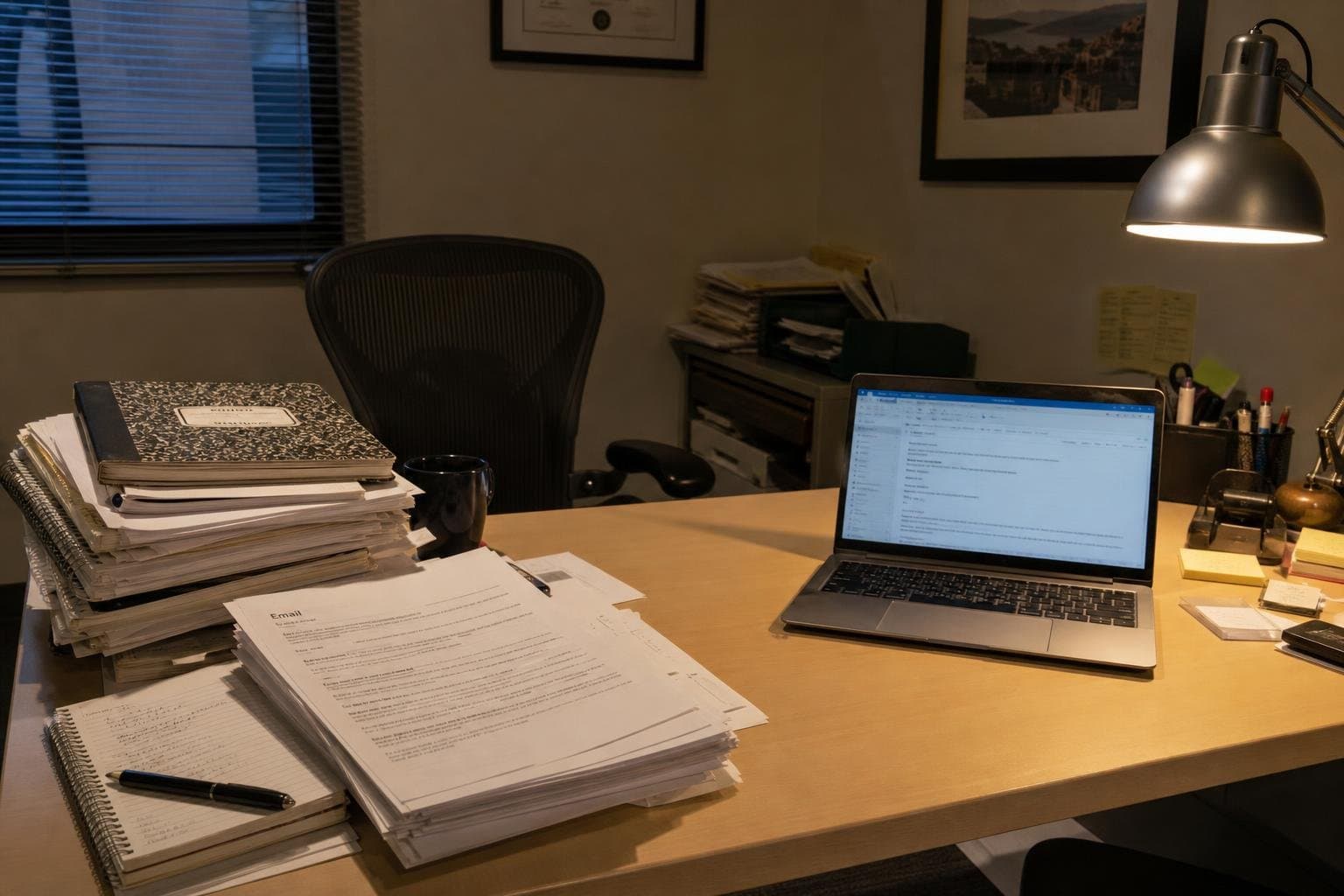
A friend runs a five-person design studio. Three years of client work, invoices, revision notes, and half-remembered decisions live in email threads, a shared drive, and her own head. She has looked at project tools four times. Each time she opens one, tries it for twenty minutes, and closes the tab.
I asked her what stopped her. She didn't say the tool was confusing. She said: "I keep thinking about the weekend I'd need to move everything in."
The imagined weekend nobody has
That weekend doesn't exist. She has never scheduled it, never blocked the calendar, never actually attempted it. It lives entirely as a mental precondition — a task she has assigned herself before she's allowed to use a tool, and because the task is large and undefined, it never gets scheduled. Not this month, not next quarter. The decision doesn't get made. It gets deferred, indefinitely, by a chore that was never required in the first place.
This is the actual reason first-timers refuse project tools. It is rarely that the interface is hard or the concepts are strange. It's that adopting the tool feels bundled with a second, much bigger job: reconstructing history inside a new system so the new system feels complete before it starts.
Nobody asked for that bundle. She invented it herself, the same way most people do, because every tool she's tried implies a clean slate is the correct starting condition — full history, tidy columns, everything accounted for — and anything less feels like doing it wrong.
History does not need a new address
The three years of email threads and shared-drive files don't need to move. They can stay exactly where they are. A finished client project from 2022 doesn't need a card, a status, or a folder in something new. It's done. Nobody will look for it in a project tool; they'll look for it where they've always looked, and that's fine.
The only thing that needs a home is what's still moving. Next week's client review. The invoice due Friday. The revision that's supposed to go out before the weekend. That's a small, finite list — usually short enough to write on a single page in ten minutes, not a weekend.
Put that in. Leave the rest exactly where it's always lived.

What this looks like the first week
She didn't import anything. She opened a blank workspace and wrote down four things that were actually due in the next seven days: a logo revision for one client, an invoice she kept forgetting to send, a kickoff call she needed to prep for, and a file she owed a contractor. Four tasks. No history, no board, no backlog of finished work sitting there for decorative completeness.
Within a week, the tool had become the place she checked before she checked her email. Not because it held everything — it held almost nothing — but because what it held was exactly what mattered that week. The old client files stayed on the shared drive, untouched, unmigrated, unbothered. Nobody needed them to move for the new week's work to be real.
A month later she still hasn't gone back to import the old projects. She probably never will, and it hasn't cost her anything. The tool was never waiting on that. She was.
The cost of treating adoption as an archive project
Every week the decision gets deferred, the old habits get another week to harden. The client asks are still tracked in someone's memory. The invoice still gets sent late because nothing reminded anyone it was due. The cost isn't abstract — it's the specific thing that slipped last Tuesday because it lived nowhere durable.
Treating adoption as an archive project also sets the bar for "done" impossibly high. If a tool only counts as adopted once three years of history sits inside it, nobody ever finishes onboarding. If a tool counts as adopted the moment next week's real work is in it, most people finish before lunch.
Team and Tricks doesn't ask for a board, a status column, or a migration plan to get started. There's nothing to import and nothing to reconstruct. You open it and write down what's actually due — that's the whole first move.
“Work without the tax. No tutorials, no setup checklist, no 'getting started' guide — just open it and start.”
The past can wait. Next week can't.
Old work has already survived without a project tool. It will keep surviving in the email thread, the shared drive, the notebook. What hasn't survived, over and over, is the thing due this Friday that lived only in someone's memory and fell out of it.
That's the actual test of whether a tool is worth adopting: not whether it can hold three years of history, but whether it can hold next week better than your memory does. If it can, start there. The rest of it isn't going anywhere.