A Task Comment Is Not the Same Thing as Project Chat
A comment, a chat message, and a document all record something someone said — but only one of them is built to be found again. Confusing the three is how decisions disappear.

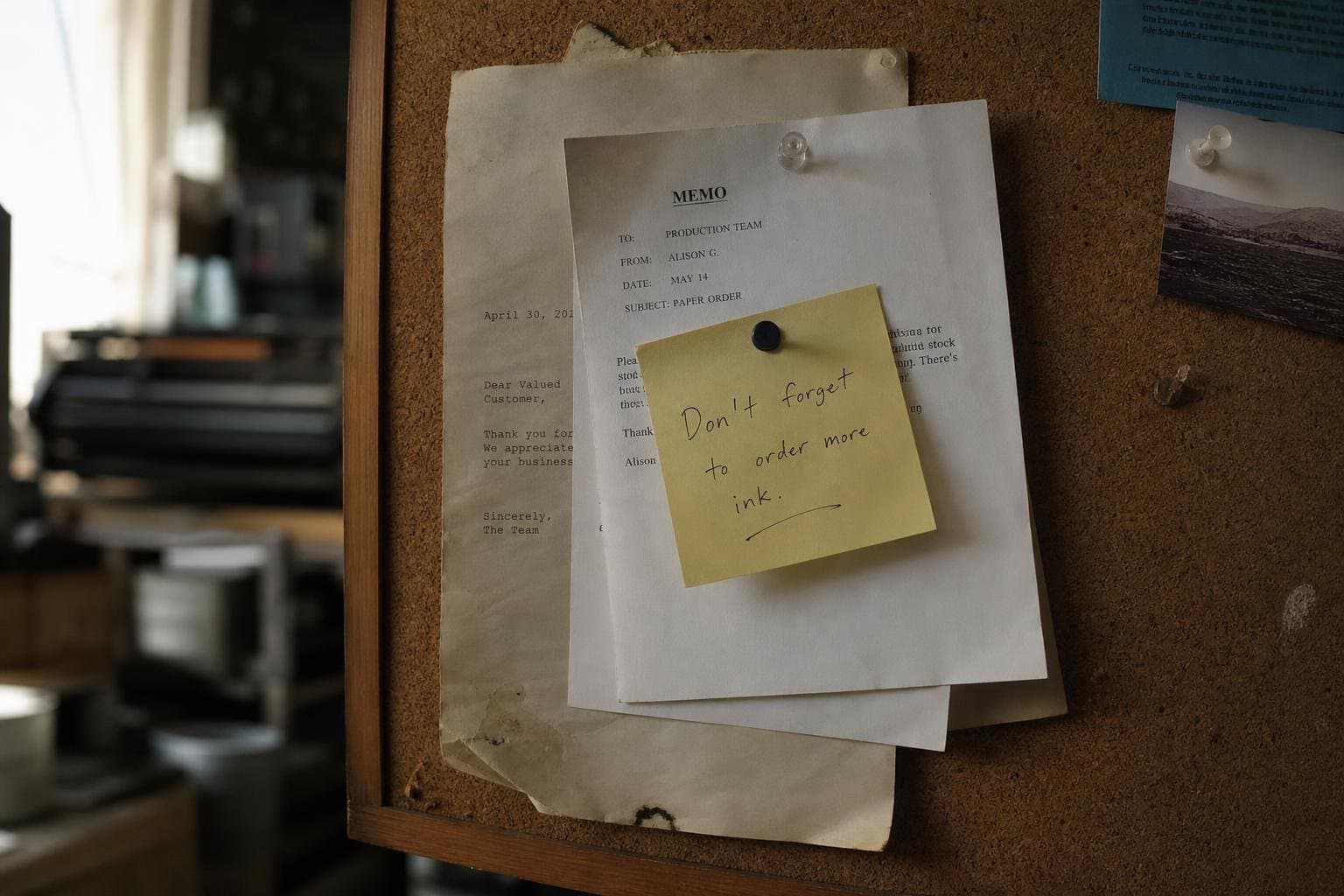
A client asks, in a task comment, whether the invoice should go out before or after the final asset delivery. Someone answers in the comment. Three weeks later, a different person on the account needs to know the same thing, and starts scrolling through forty tasks looking for a sentence that was never meant to last that long.
This is not a search problem. It is a scope problem. The answer was recorded in the right format for the wrong lifespan.
Three things that all look like talking
A task comment, a project chat message, and a document all let someone type a sentence and have another person read it. From the outside they're the same motion: open a box, write, hit enter. That similarity is exactly why teams collapse them into one habit — whichever is open stays open — and why retrieval breaks later.
The difference isn't tone or length. It's what the sentence is attached to, and how long that attachment is supposed to hold.
- A task comment is scoped to one piece of work. It should answer: does this specific task need to change?
- Project chat is scoped to a team working together over time. It should answer: what does everyone on this project need to be aware of right now?
- A document is scoped to nothing except itself. It should answer: what does a person need to know, independent of when they show up?
Put a decision in the wrong one, and it either gets buried under newer noise, or it gets stranded on a single task that someone will eventually mark done and stop opening.
Scenario one: the invoice timing question
The client comment about invoice timing belongs on the task — at first. It's about this delivery, this due date, this specific piece of work. Resolving it there is correct: the person who needs the answer is already looking at the task, and the thread sits exactly where the ambiguity was.
The mistake is stopping there if the answer is actually a standing rule — "we always invoice on delivery, not before." That's not a fact about this task. It's a fact about how the account runs. Left as a comment, it will answer this one question and then vanish into a closed task, available only to someone who happens to remember which task it was attached to and goes looking for it specifically.
The fix isn't a longer comment. It's recognizing the comment resolved the instance, and the rule itself needs to live somewhere that doesn't close when the task does — a document scoped to the client or the project, not the delivery.
Scenario two: the scope change nobody flagged outside the task
A designer, inside a task comment thread, agrees with a developer to drop a feature from this sprint. It's a reasonable conversation to have on the task — it's specific to that piece of work, and the two people directly doing it are the two people who need to agree on it.
The failure shows up a week later, when the PM is confused about why the sprint shipped short, and three other people on the project never saw the change because they don't open tasks they're not assigned to. The conversation was correctly scoped to the task. The decision it produced was not correctly scoped to the task — a scope change affects the project, not just the two people who typed it out.
The comment thread did its job: it let two people negotiate a specific piece of work. What it couldn't do, and was never going to do, is notify the project. That's a different radius, and it needs the channel built for that radius — project chat, or at minimum a note that isn't buried three replies deep on a task closed by Friday.

Scenario three: the onboarding fact that keeps getting re-asked
A new contractor asks, in project chat, how the team handles asset naming conventions. Someone answers at length, with examples. It's a good answer. It is also, structurally, gone — not deleted, just scrolled past, the way every chat message eventually is, regardless of how useful it was the day it was written.
Two months later a second new contractor asks the identical question, and someone retypes a version of the same answer, slightly different, slightly less complete than the first. This is the tell that the information was misplaced, not that people are forgetful. Chat is built for "right now, for the people here now." A naming convention isn't a right-now fact. It's a standing fact that will be needed by someone who wasn't in the room, possibly a year from now. It needed to be a document from the first time it was answered.
The rule isn't "write it down more." People did write it down — in chat, which is a kind of writing that is designed to expire. The rule is that a fact anyone will need independent of timing shouldn't live in a format optimized for timing.

A decision guide, not a style guide
The question to ask before typing isn't "where am I already looking" — it's "who needs this, and for how long."
- If the answer only matters to the people directly doing this piece of work, and only until it's done: task comment.
- If the answer matters to the whole team right now, but won't matter the same way in a month: project chat.
- If the answer would still be correct and still be needed by someone who wasn't in the conversation at all: document.
Most teams get the first category right by instinct — nobody debates whether a bug-fix detail belongs on the bug's task. The failures cluster in the second and third categories, because a chat message and a document both feel like "writing something down," and only one of them is built to still be true when nobody's watching the channel anymore.
Why Team and Tricks keeps these separate on purpose
Team and Tricks keeps Project Chat and Task Chat as genuinely separate surfaces, each switched on per organisation, rather than one conversation stream that happens to be filterable by task. Documents sit in a third place entirely, scoped to an organisation, a project, or a task, but distinct from either chat in kind, not just in UI.
That's not a feature list. It's a bet that merging these three scopes into one searchable soup looks like simplicity in week one and becomes a retrieval problem in month three, once enough history has piled up that "just search for it" stops working, because the thing you're searching for was never written where its scope said it should live.
None of this requires more discipline in the sense of writing more, or writing better. It requires one habit: before the sentence goes somewhere, ask whether it belongs to this task, to this team right now, or to anyone who asks the same question later. The format follows the answer. Most retrieval problems aren't search problems in disguise. They're scope problems that got typed into the wrong box the first time, by someone who wasn't wrong to be talking — just wrong about where the talking needed to stay.